maintained / README.md
Digital Garden
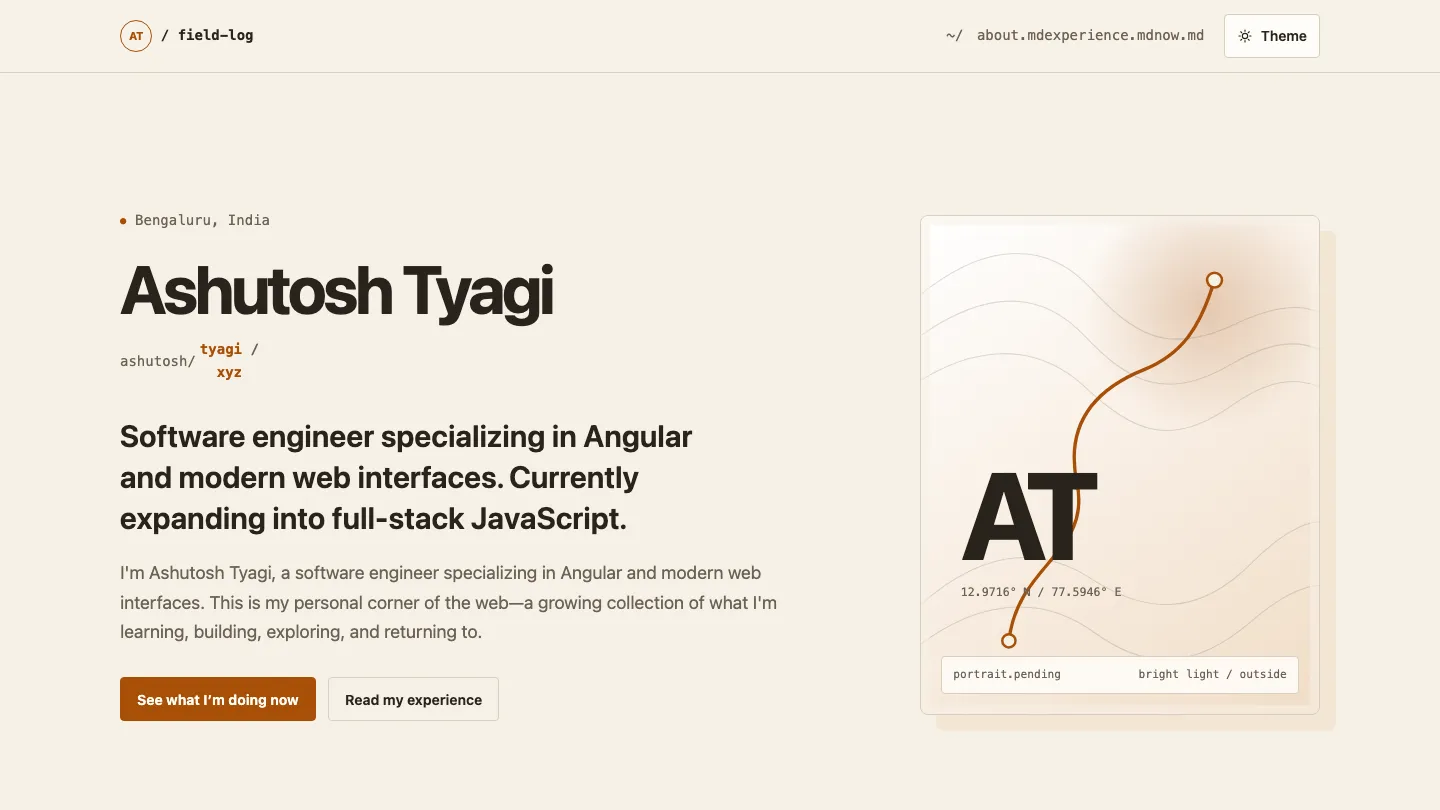
The Astro site behind this page: a fast, accessible home for my work, current pursuits, and future writing, shaped with a warm developer-workspace vocabulary.
- Status
- maintained
- Published
- Updated
- Stack
- Astro
- TypeScript
- CSS
Why I built it
I wanted a durable place on the web that belongs to me. Not a campaign page, not a collection of practice projects, and not a funnel designed around a contact form. It needed to be a simple answer whenever someone wanted to know more about my work and the things I am curious about.
That changed the usual portfolio hierarchy. The homepage begins with what I am doing now, then moves through who I am and where I have worked. Projects and writing have their own routes, but neither pretends there is more content than I have actually published.
This is my personal world, and software is my profession.
A developer workspace, not a clone
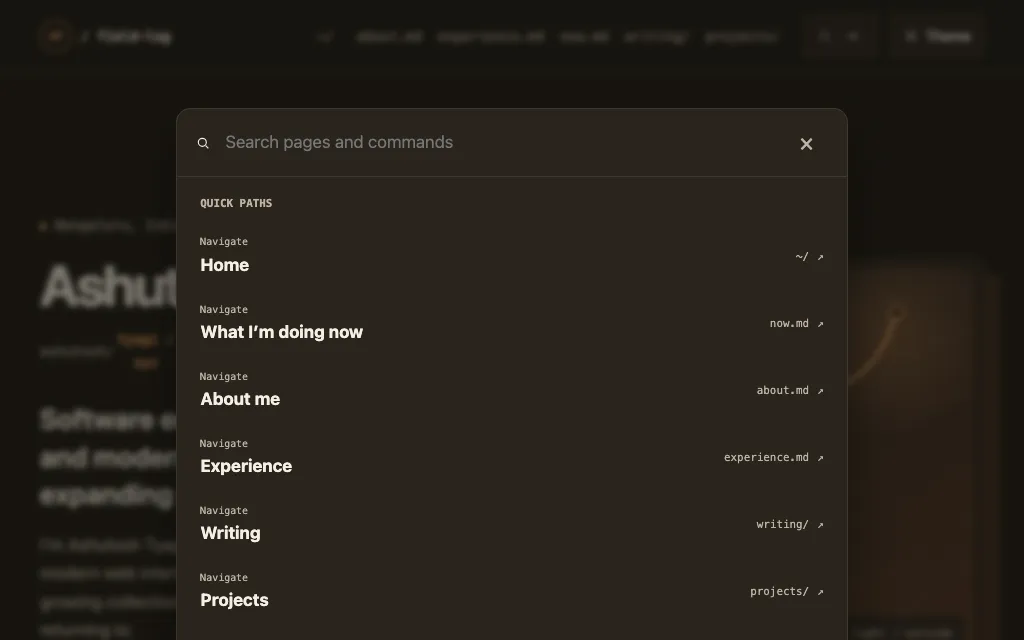
The visual language borrows useful ideas from software tools: path-like labels, README-style documents, repository metadata, keyboard navigation, and a command palette. It stops before imitation. There is no fake file tree, terminal-shaped decoration, or GitHub-green contribution graph pretending to represent activity.
Warm off-white surfaces and an earthy saffron accent keep the primary light theme personal rather than clinical. The system-derived dark theme preserves the same relationships instead of becoming a separate neon interface. Segoe UI and the local system stack keep reading familiar; monospace appears only when the content behaves like a path, command, or piece of metadata.
What the site does
- Presents my current learning path before my career history.
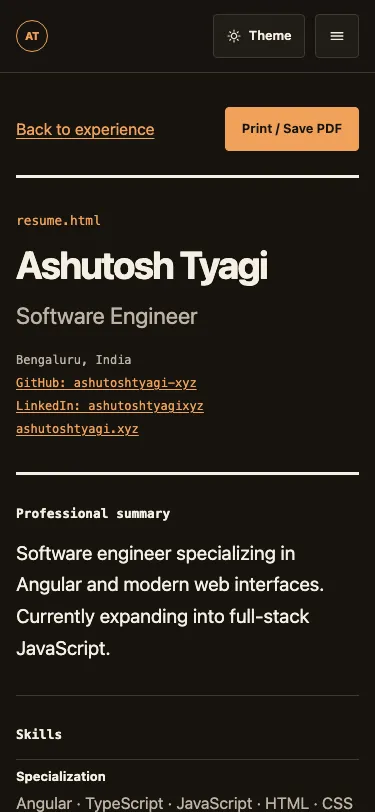
- Keeps the homepage experience and print résumé aligned through shared TypeScript data.
- Stores projects and articles in validated Astro content collections.
- Provides direct social links with optional, locally generated QR dialogs.
- Offers command-palette navigation through the visible button,
Cmd/Ctrl+K, or/. - Generates RSS, sitemap, canonical metadata, structured data, and a Pagefind index during the static build.
- Leaves the Writing area honest and useful before the first article exists.
Architecture
Astro produces static HTML for the complete public site. Most of the interface needs no client framework: semantic HTML and component-scoped CSS handle the page shell, content, disclosures, and print layout. Small browser scripts are reserved for the interactions that need state—theme selection, command search, motion choreography, and QR dialogs.
Repeated facts live in typed data modules. The homepage and résumé therefore read the same experience history instead of maintaining two versions. Content schemas validate dates, categories, images, project status, and publication state before a build can succeed. Draft articles remain available for layout work locally but cannot enter the production routes, RSS feed, sitemap, or search index.
Pagefind is generated after Astro builds and loads only when search is opened. That keeps the initial page independent of the search library while still giving future articles a static, server-free discovery path.
Accessibility as architecture
Accessibility was treated as a structural constraint, not a final checklist. The site keeps a visible skip link, semantic landmarks, one clear page heading, native disclosures, named dialogs, visible focus, and useful no-JavaScript fallbacks. Keyboard focus returns to the control that opened a dialog, and both the command palette and QR sheets keep focus contained while open.
Reduced-motion preferences remove decorative choreography. At narrow widths, QR dialogs become full-width bottom sheets and the rest of the layout reflows without horizontal scrolling. The résumé has a dedicated A4 print treatment instead of relying on the screen layout to happen to print well.
Quality evidence
The release gate covers formatting, linting, strict Astro diagnostics, 37 unit tests, a production build, Pagefind generation, and 37 browser checks across Chromium, Firefox, and WebKit. Automated accessibility scans report no violations on representative light and dark pages, including interactive dialogs.
Local Lighthouse audits scored 100 in performance, accessibility, best practices, and SEO for the homepage and this project page. Those are controlled lab results, not real-user performance claims. The site intentionally ships system fonts and only a small amount of site-owned JavaScript; the larger search runtime waits until someone asks for it.
From repository to Hostinger
The build produces a conventional dist/ directory for Hostinger’s shared Apache hosting. Deployment uses dedicated SSH identities, a pinned host fingerprint, a constrained target, validation before upload, and rsync rules that leave Hostinger-managed paths alone.
An isolated GitHub Actions upload first proved that a clean Linux runner could validate, build, authenticate, and transfer the site. For the launch, the final artifact was dry-run and deployed directly after the previous site had been removed. Live browser testing then found two hosting-specific details that local preview could not: Apache needed an explicit branded-404 mapping, and its header quoting had to preserve a valid Permissions Policy. Both fixes are now covered by repeatable checks.
GitHub production credentials remain deliberately unset. A passing push validates the repository but cannot silently change the live site; production releases stay manual until I choose a stricter branch and deployment policy.
Deliberate limits
There is no CMS, analytics script, comment system, contact form, terminal simulation, or public source link. Articles will be ordinary repository content files because I already write scripts for videos and want publishing to remain understandable. The portrait is a code-rendered placeholder until I have a photograph that genuinely belongs on the site.
The garden is small by design. Its next meaningful changes are real ones: the first article, another project worth explaining, or a better image—not empty surfaces added to make the portfolio look busier.